
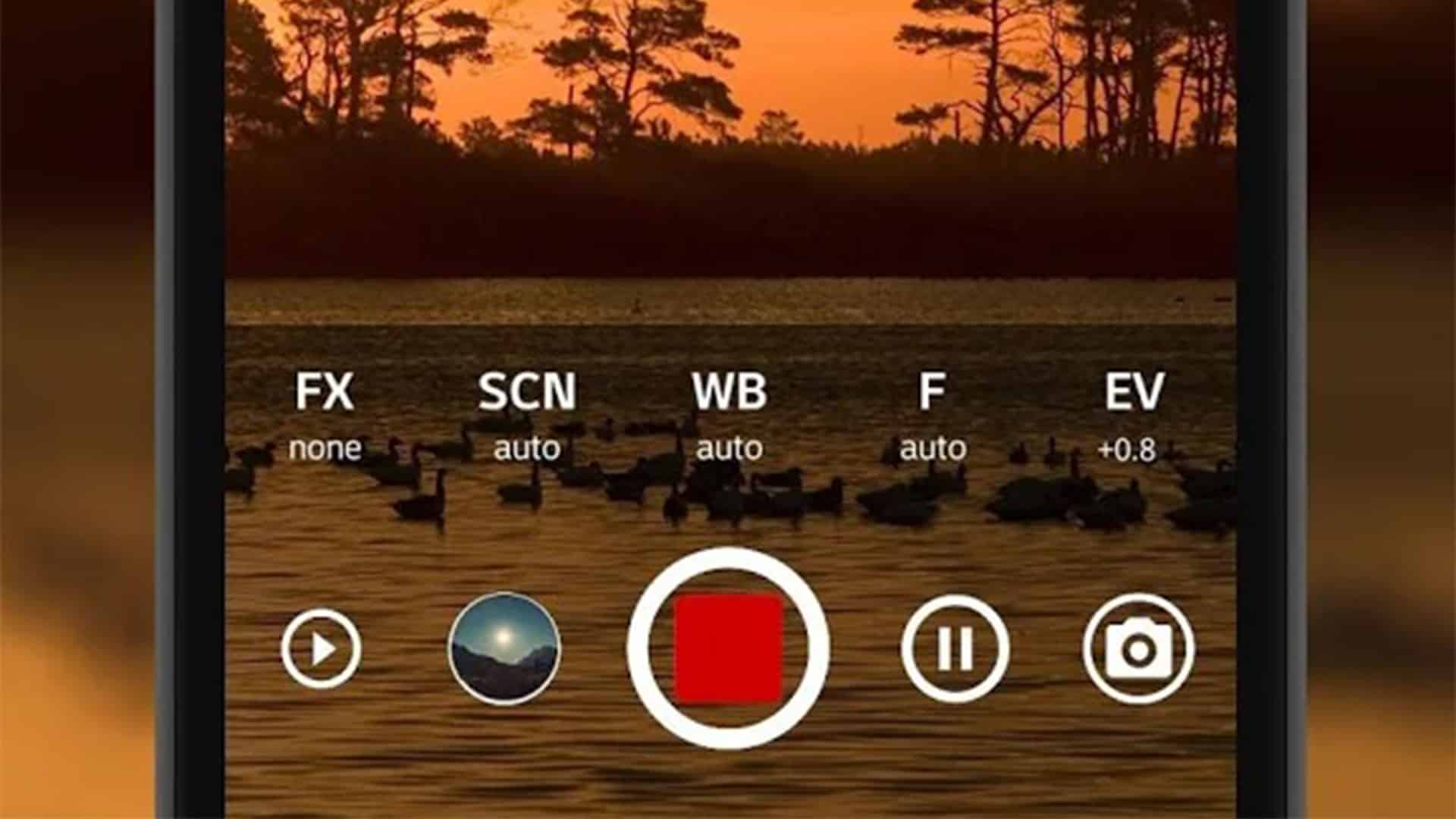

Sometimes speed makes all the difference: launching the camera from the lock screen allows you to catch a photo of some unusual event or phenomenon. But if there’s no point in rushing to take a picture, it’s better to open a third-party camera. A thoughtful approach to settings and an abundance of options give you more options for cool photos. A good photo editor with a rich set of functions and effects will also come in handy. In this article, you will find some great photo apps to try.
Photography Apps for posting to social media
With the advent of the short-lived Stories format, we have more and more demands on the quality of photos in the main social media feed. To make a good photo perfect, it is worth correcting geometry and cropping, adjusting white balance, sharpness, and saturation, and adding stylish color filters. You can’t do without these today.
VSCO
VSCO is the best app in the filter application segment. The developers of the app make amazing presets that can completely change the mood of a photo in one click. In addition to filters, the app has a suite of photo correction tools, including color adjustments, perspective changes, sharpness, tonality, white balance, vignetting, and split toning.
VSCO has two distribution models: paid filter sets and VSCO X subscription. A subscription gives access to all filters, including exclusive ones with film color emulation, over 130 of them. The subscription also includes additional tools: HSL and frame customization. Subscribers have access to tools for working with video. And even if you’re just someone who wants your smartphone clips to look better for sharing online, apppearl offers easy-to-use video editor apps to make your footage look slick.
Film emulation filters allow you to customize the nature of the changes applied with three modifiable parameters: “Strength”, “Character” and “Warmth”.
Built-in intelligence analyzes the image and suggests the most appropriate filters.
Adobe Lightroom
The mobile version of Adobe’s desktop Lightroom can transform images with a single “Auto” button. In addition to the automatic mode, the application has a wide range of tools for fine-tuning photos, including separate toning, curves, color mixing, and HSL.
The basic feature set is revealed to owners of a paid Adobe CC subscription. Among the premium features are a 100GB cloud, synchronization of photos and edits between devices, the ability to fine-tune selected areas, restorative brush, and advanced tools for correcting perspective.
Extra Photography Apps and Photo Editor Apps
If you don’t want to be like everyone else, you can try your luck with something other than VSCO. Look at other popular photo combines that have everything you need for image editing and color correction. We’ve chosen the most worthy and in-demand applications.
Snapseed
Google’s Snapseed comes with all the tools you need to improve your photos: color correction, curves, tonal contrast, perspective, cropping, and more. You can apply special effects filters: HDR, Shine of the spotlight, Drama, Vintage, Noir, Retro, and Grange. It is worth noting the presence of creative functions: blur, frames, and double exposure. The main advantage of this application is that it is completely free.
Darkroom
A versatile application for iPhone and iPad with a set of functions of a professional editor. Among the main tools is support for RAW, as well as large JPEG images up to 120 megapixels, the ability to process the foreground separately from the background, the intelligent selection of frames. We should also mention the advanced tool for working with curves.
Creating Your Story
Even though Stories may only last a day in your feed, that doesn’t mean you can give up on aesthetics. We recommend packing your temporary photos into beautiful collages or looking for unusual ways to superimpose text over your photos. It’ll turn out cool – then you can anchor the best stories on your Instagram profile page.
Unfold
If asked to describe this app in one phrase, you could say, “Unfold is VSCO for stories.” A simple editor with a user-friendly interface will help you create unique stories with built-in frames, collages, and captions. Separate note the batch slideshow creation function and the ability to export them in one go.
Canva
Allows you to create posts with original design, including for stories. Canva is a cross-platform editor, available for iOS, Android, and also on the computer as a web application. The main advantage: more than 60,000 templates, including frames, fonts, and backgrounds created by professional designers. The possibilities of this application are not limited to the creation of slides for stories, you can use it to create postcards, images for the blog, logos, and collages.
Adobe Spark
An application from the developers of Photoshop and Illustrator to create unusual posts with a large selection of customizable templates to which you can apply design filters. The main advantages are animated posts, one-click template resizing for a specific social platform, and free access to a large number of photos and drawings that you can use in your design.
Expanded creative possibilities
If you’re bored with the standard filters, you can go a step further in photo processing and experiment with unusual solutions. These are the most popular scuffing and dust particle effects, texture layering and double exposures, non-standard lighting, or even destructive filters that radically change the aesthetics of your photos. We’ve found all the best for those who have become bored with working only with colors.
Mextures
This app is a godsend for fans of creative photo editing. Apply grainy film textures, light effects, color gradients – experiment with an endless number of layers. If you like the result, save it to a formula that you can share with others.
Afterlight 2
A powerful photo editor will cope with almost any tasks of a mobile photographer. But in terms of preinstalled filters, it’s clearly losing to VSCO, and in terms of retouching tools, it can hardly compare to Snapseed. We included it in this selection for having a section with particles, scuffs, and dust effects. It’s increasingly popular among top photographers, so it won’t hurt some of your photos either. The key is to only use it where it would really be appropriate.
Glitche
A disruptive glitch effects app that stars and brands love. Among them are Gorillaz, Marilyn Manson, Pharell Williams, Nike, and Diesel. The main advantages are more than 30 tools for creating digital effects, the ability to apply filters in real-time during shooting, and work with layers.